
ASUS and Lenovo both make solid laptops, but they shine at different price points and for different people. If you're short on time: ASUS tends to offer better screens and designs for the money, while Lenovo wins on keyboards, business features, and long-term durability.
The real answer depends on what you're buying the laptop for and how much you want to spend. Below, we'll break down ASUS vs Lenovo by price tier, product line, build quality, and customer support so you can pick the right one without second-guessing yourself.
Brand Overview: What Each Company Does Best
ASUS started as a motherboard manufacturer in Taiwan and still builds its own components. That hardware background shows up in their laptops. You'll often find better displays, newer chipsets, and more aggressive specs at a given price than competing brands.
Lenovo, based in China, bought IBM's laptop division in 2005 and inherited the legendary ThinkPad line. They're the world's largest PC maker by volume. Their strength is reliability, keyboard quality, and a massive product range from $200 Chromebooks to $3,000+ workstations.
Both brands sell millions of laptops a year. Neither is a bad choice. But one is probably a better fit for you than the other.
Build Quality and Design

Lenovo's ThinkPad line has a reputation for toughness that's well earned. ThinkPads go through MIL-STD-810H testing (drops, vibration, extreme temperatures), and the keyboards on ThinkPads are consistently the best in the industry. If you type all day, you'll notice the difference immediately.
ASUS ZenBooks tend to feel more premium at the same price. You'll get thinner bezels, OLED screens in more models, and sleeker aluminum builds. But some budget ASUS laptops (especially the lower-end VivoBooks) can feel a bit plasticky compared to their Lenovo equivalents.
The quick summary: Lenovo builds for durability first, looks second. ASUS builds for specs and aesthetics first, durability second. Both approaches work. It depends on what matters more to you.
Budget Tier: $300-$500 (VivoBook vs IdeaPad)
This is where most students and casual users shop, and both brands have strong contenders.
The ASUS VivoBook series typically offers better screens in this range. You're more likely to find a 1080p IPS display with decent color accuracy, while Lenovo IdeaPads at the same price sometimes still ship with dimmer, washed-out panels. ASUS also tends to include faster storage (NVMe SSDs vs slower eMMC) in their base models.
The Lenovo IdeaPad series counters with better keyboard feel and slightly better battery life in most configurations. Lenovo also has a wider selection at this price, so you're more likely to find the exact spec combo you want.
| Feature | ASUS VivoBook | Lenovo IdeaPad |
|---|---|---|
| Display quality | Better color and brightness | Adequate but often dimmer |
| Keyboard | Decent | Better key travel and feel |
| Storage | NVMe SSD more common | Mix of NVMe and eMMC |
| Battery life | 6-8 hours typical | 7-9 hours typical |
| Build material | Plastic, some aluminum lids | Mostly plastic |
| Best for | Media consumption, students | Typing-heavy work, general use |
Our pick at this price: ASUS VivoBook, by a small margin. The screen quality difference matters when you're staring at a laptop for hours. But if you write a lot, try a Lenovo IdeaPad keyboard in-store first.
Mid-Range Tier: $500-$800 (ZenBook vs ThinkPad/Yoga)
This is the sweet spot for most people, and where the competition gets interesting.
The ASUS ZenBook line packs a lot into this range. For $600-$750, you can often get an OLED display, a solid aluminum chassis, and current-gen processors. The ZenBook 14 has been one of the best mid-range laptops for several years running. It's thin, the screen is gorgeous, and performance handles everything short of heavy video editing.
Lenovo splits this range between the ThinkPad E-series (business-focused) and the Yoga line (consumer 2-in-1s). The ThinkPad E14 gives you that famous ThinkPad keyboard, strong security features (fingerprint reader, TPM chip), and reliable build quality. The Yoga series offers 2-in-1 flexibility with touchscreens and tent mode.
| Feature | ASUS ZenBook | Lenovo ThinkPad E / Yoga |
|---|---|---|
| Display | OLED common, excellent color | Good IPS, OLED on higher Yoga models |
| Build | Aluminum, thin and light | Magnesium/aluminum, slightly thicker |
| Keyboard | Good | Excellent (ThinkPad) / Good (Yoga) |
| Port selection | USB-C heavy, fewer USB-A | Better mix of USB-A and USB-C |
| Security features | Basic | IR camera, fingerprint, TPM |
| Best for | Creatives, students, anyone who values the screen | Office workers, remote professionals |
Our pick at this price: It's a split decision. Get the ZenBook if display quality is your top priority. Get the ThinkPad E-series if you need a reliable work machine with a great keyboard and don't care about OLED.
Premium Tier: $800+ (ZenBook Pro vs ThinkPad X/T)
Once you're spending $800 or more, both brands deliver excellent laptops. The differences come down to priorities.
ASUS offers the ZenBook Pro and ProArt lines for creative professionals. These come with 4K OLED screens, color-calibrated displays, and strong GPU options. If you edit photos, videos, or do graphic design, ASUS gives you more screen quality per dollar than almost anyone.
Lenovo's ThinkPad X1 Carbon and ThinkPad T-series are corporate workhorses. The X1 Carbon is one of the lightest 14-inch business laptops you can buy (under 2.5 lbs), with all-day battery life, exceptional keyboards, and enterprise-grade security. IT departments love these for a reason.
Our pick at this price: ASUS for creative work where the display matters most. Lenovo for business use, frequent travel, and anyone who types for a living.
Gaming: ROG vs Legion
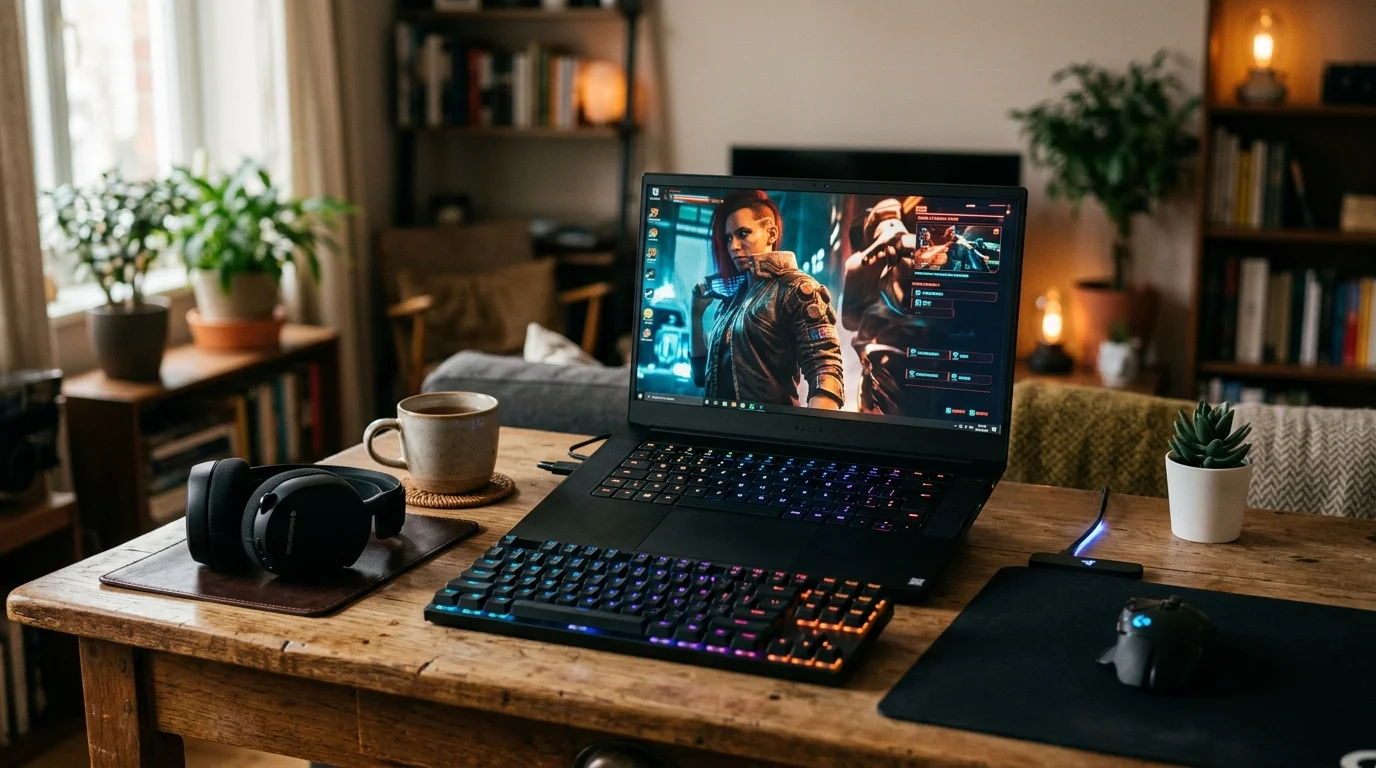
Gaming laptops are their own category, and both brands take them seriously.
The ASUS ROG (Republic of Gamers) lineup is one of the most popular gaming brands in the world. ROG laptops tend to offer faster refresh rate screens (up to 240Hz), better thermal management with liquid metal cooling on some models, and more aggressive designs. The ROG Zephyrus line proves gaming laptops can be thin and portable.
The Lenovo Legion series focuses on raw performance and value. Legion laptops often pack in more GPU power per dollar, with larger batteries and a more understated look. The Legion Pro is a serious machine that can compete with desktop performance. If you want a gaming laptop that doesn't scream “gamer” in a coffee shop, Legion's design is more subtle.
| Feature | ASUS ROG | Lenovo Legion |
|---|---|---|
| Screen refresh rate | Up to 240Hz common | Up to 165-240Hz |
| Cooling | Liquid metal on select models | Vapor chamber on Pro models |
| Design | Bold, gamer aesthetic | Subdued, professional-friendly |
| GPU value | Competitive | Often better GPU per dollar |
| Battery | Varies, 4-6 hours non-gaming | Larger batteries, 5-7 hours non-gaming |
| Software | Armoury Crate (feature-rich) | Vantage (cleaner, less bloat) |
Our pick for gaming: ASUS ROG if you want the highest refresh rates and don't mind the flashy design. Lenovo Legion if you want more performance per dollar and a laptop that blends in at work.
Customer Support and Warranty
Neither brand is famous for customer support, but there are differences.
Lenovo offers better business support through its ThinkPad line. If you buy a ThinkPad with on-site warranty, a technician will come to your office or home for repairs. Lenovo's standard consumer support is average, with long wait times and inconsistent quality.
ASUS consumer support has improved in recent years but still gets mixed reviews online. Their standard warranty covers one year of parts and labor. The biggest complaint is slow turnaround on mail-in repairs, sometimes 2-3 weeks.
Both brands sell extended warranty plans. If you're spending $800+, the extended warranty is usually worth it. Laptop repairs are expensive, and a $100-$150 warranty can save you from a $400 screen replacement.
Software and Bloatware
Both ASUS and Lenovo pre-install extra software. ASUS ships with Armoury Crate (for ROG models), MyASUS, and a handful of trial apps. Lenovo includes Lenovo Vantage, McAfee trials, and occasionally Lenovo Now.
Lenovo Vantage is actually useful. It handles driver updates, battery health settings, and system diagnostics in one place. Most people keep it installed. ASUS's MyASUS does similar things but feels clunkier. You can uninstall the rest of the pre-loaded apps from both brands in about 10 minutes.
Which Brand Should You Pick?
Here's the short version based on what you need:
- Student on a budget ($300-$500): ASUS VivoBook for better screens, Lenovo IdeaPad for better keyboards.
- Remote worker or office professional: Lenovo ThinkPad. The keyboard, security features, and durability are hard to beat.
- Creative professional (photo/video editing): ASUS ZenBook Pro or ProArt. The OLED screens are a real advantage.
- Gamer who wants max performance per dollar: Lenovo Legion.
- Gamer who wants the best display and cooling: ASUS ROG.
- Frequent traveler: Lenovo ThinkPad X1 Carbon for weight and battery life.
- Best overall value in the $600-$800 range: ASUS ZenBook 14. It's hard to find a better screen at this price from any brand.
Before you buy, check both brands' current deals. Lenovo runs frequent sales on their direct website (sometimes 30-40% off list price), and ASUS regularly discounts through Amazon and Best Buy. A $900 laptop on sale for $700 can shift the value equation overnight.
Pick the laptop that fits your main use case, compare two or three specific models within your budget, and read user reviews for the exact configuration you're considering. Specs on paper don't always tell you about fan noise, trackpad quality, or how hot the keyboard gets under load. Those details show up in real-world reviews.