
- Quick take: Lenovo is the world's largest PC maker, and its lineup ranges from budget IdeaPads you'll regret to ThinkPads that last a decade. Knowing which line to buy from is everything.
- ThinkPad keyboards and build quality are genuinely best-in-class for business laptops. The Yoga series is a solid midrange pick. IdeaPad and Legion are more hit-or-miss.
- Bloatware is a real problem on consumer models, and Lenovo's customer support can be frustrating. But if you buy the right model, you're getting serious value for money.
Lenovo ships more PCs than anyone else on the planet. More than Dell, more than HP, more than Apple. That sounds impressive until you realize it also means they make a lot of mediocre laptops alongside the great ones. The trick isn't deciding whether to buy Lenovo. It's figuring out which Lenovo to buy.
This guide breaks down each product line, tells you where the value actually is, and flags the stuff you should avoid. No marketing fluff, just what you need to know before spending your money.
The Four Lines You Need to Know
Lenovo organizes its laptops into four main families. Each one targets a different buyer, and they're not interchangeable. Buying from the wrong line is the single biggest mistake people make.
ThinkPad: The One That Built the Reputation
ThinkPads are the reason Lenovo has credibility. Originally an IBM product line (Lenovo bought IBM's PC division in 2005), these are business laptops built for people who type all day and travel constantly. The keyboards are still the best on any laptop, period. The build quality is tested against military-grade specs (MIL-STD-810H), meaning they can handle drops, vibration, extreme temperatures, and humidity.
The ThinkPad T series (T14, T16) is the sweet spot for most professionals. Expect to pay $900 to $1,500 for a well-configured model. The X1 Carbon is the premium ultralight, starting around $1,200 and climbing past $2,500 with top specs. The ThinkPad E series is the budget entry point, starting near $600, but you'll feel the cost-cutting in the chassis flex and screen quality.
Who should buy: Business users, writers, developers, anyone who values keyboard feel and durability over flashy design. ThinkPads are boring on purpose, and that's a feature.
IdeaPad: The Budget Gamble
IdeaPads are Lenovo's consumer line, and this is where things get inconsistent. You can find a perfectly usable IdeaPad 3 for $400 to $550, and it'll handle web browsing, email, and light Office work. The IdeaPad 5 Pro pushes into the $700 to $1,000 range with better screens and build quality.
But here's the honest truth: cheap IdeaPads feel cheap. The plastic chassis flexes. The trackpads are mediocre. The screens on sub-$500 models are dim and washed out. And every single one comes loaded with bloatware that you'll spend 30 minutes uninstalling.
Who should buy: Students, light home users, and anyone on a strict budget who doesn't mind a few compromises. If you can stretch to the IdeaPad 5 Pro, do it. The jump in quality is noticeable.
Yoga: The Versatile Middle Ground
The Yoga series covers 2-in-1 convertibles and slim premium laptops. The Yoga 7i and 9i are genuinely good machines with solid aluminum builds, bright OLED display options, and decent speakers. Pricing runs from about $800 for the Yoga 7i to $1,500 or more for a fully loaded 9i.
The 2-in-1 form factor (the screen folds all the way back into tablet mode) is more useful than most people expect. It's great for reading, sketching with a stylus, or watching something in tent mode on a plane. But if you never plan to fold the screen back, you're paying extra for a hinge you won't use. A standard clamshell might be a better deal.
Who should buy: Creative professionals, students who take handwritten notes, or anyone who wants a premium feel without paying ThinkPad X1 prices.
Legion: Gaming on a Budget (Sort Of)
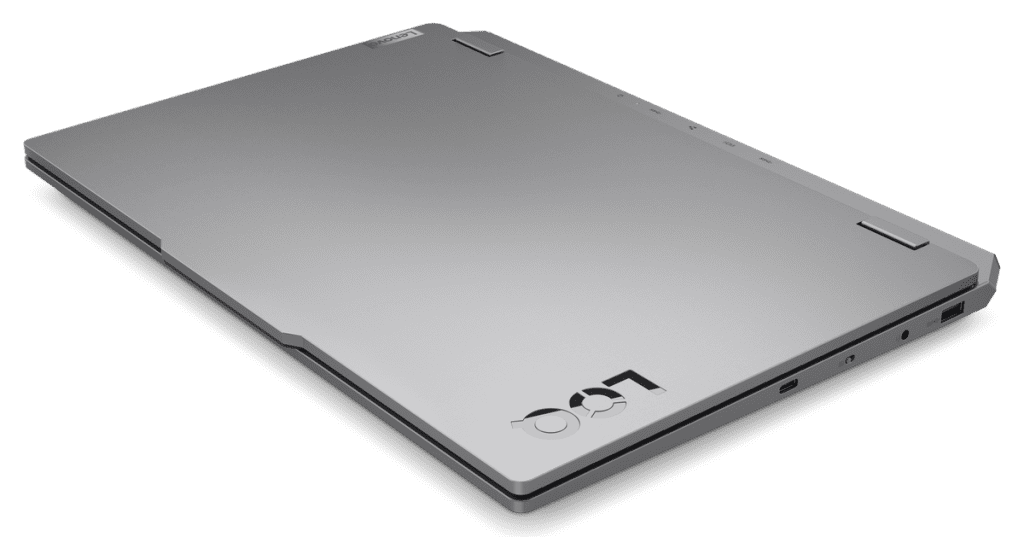
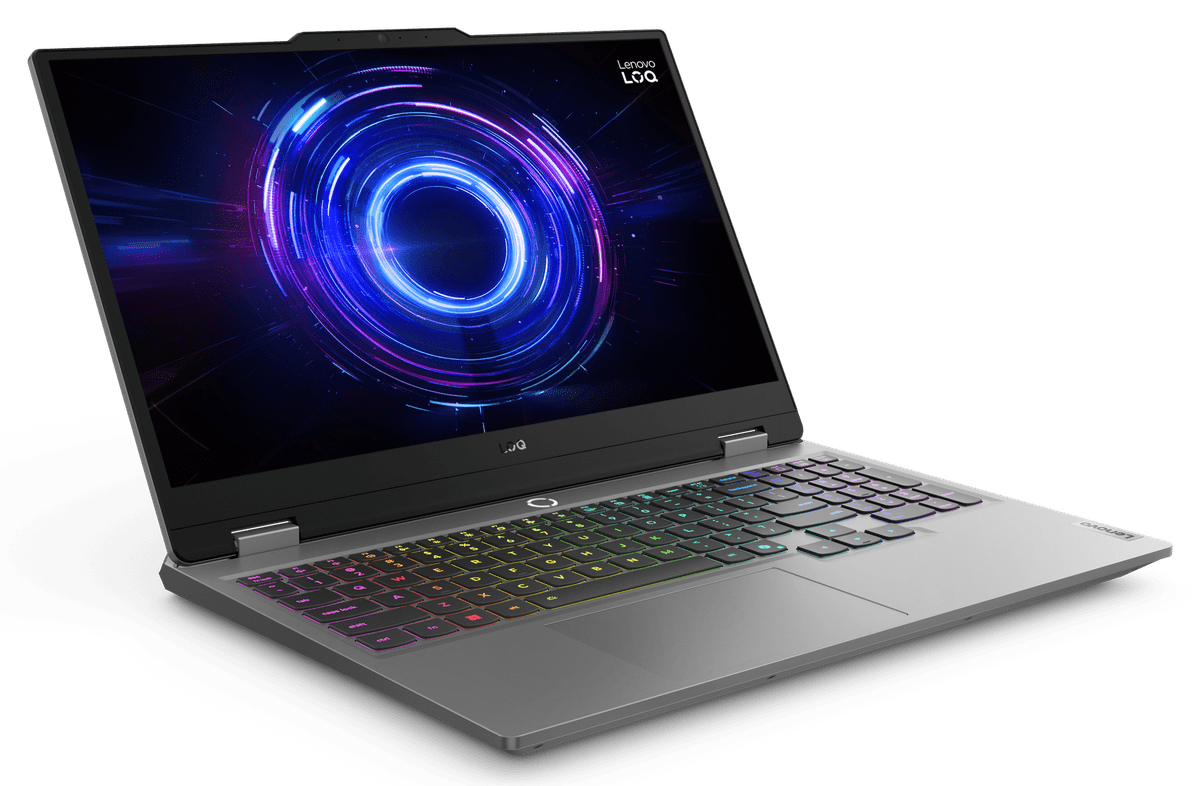
Legion is Lenovo's gaming brand. The Legion 5 starts around $1,000 and offers solid 1080p gaming with an RTX 4060. The Legion Pro 5 and 7 push into the $1,500 to $2,500 range with higher-end GPUs and 16-inch QHD+ displays at 165Hz or 240Hz.
Legion laptops consistently offer strong price-to-performance ratios. The cooling systems are better than most competitors at similar price points, and Lenovo doesn't gimp the power delivery as aggressively as some brands. That said, they're heavy (the Legion Pro 7 is over 5.5 pounds), battery life is mediocre (3 to 4 hours for anything other than light tasks), and the design screams “gamer” in a way that might not fly in a boardroom.
Who should buy: Gamers who want the most GPU power per dollar and don't mind carrying a heavier laptop. The Legion 5 in particular is one of the best values in gaming laptops.
Build Quality: Where Lenovo Shines (and Where It Doesn't)
Lenovo's build quality is a spectrum, and it's wider than most brands. At the top, ThinkPads are tanks. The carbon fiber and magnesium alloy chassis on the X1 Carbon can take a beating. The T-series models use a mix of fiberglass-reinforced plastic and metal that holds up well over years of daily use. IT departments love ThinkPads because they survive what employees put them through.
At the bottom, the IdeaPad 1 and 3 series use all-plastic construction that creaks when you press on the palm rest. The screen lid flexes enough to cause ripples on the display if you grip it wrong. These aren't terrible for $400 laptops, but they won't last five years of daily commuting.
The Yoga and Legion lines sit in the middle. Yoga models use aluminum that looks and feels premium. Legion laptops use thick, chunky plastic that's sturdy but not refined. Both will hold up fine for 3 to 4 years of normal use.
Keyboards: Lenovo's Secret Weapon
This is where Lenovo genuinely dominates. ThinkPad keyboards have been the gold standard for laptop typing for over two decades, and they're still ahead of everyone else. The key travel is deeper than competitors (about 1.8mm on ThinkPads vs. 1.0 to 1.2mm on most ultrabooks), the tactile feedback is satisfying, and the layout is sensible.
The ThinkPad TrackPoint (that little red nub in the middle of the keyboard) is polarizing. Some people swear by it, others ignore it completely. But having it there doesn't hurt anything, and for spreadsheet work, it's genuinely faster than reaching for the trackpad.
Consumer models (IdeaPad, Yoga) have decent keyboards but nothing special. They're on par with Dell and HP consumer lines. If the keyboard is your top priority, ThinkPad is the only answer.

Displays: Getting Better, Still Inconsistent
Lenovo's display game has improved dramatically in the last few years. The Yoga 9i's OLED panel is gorgeous, with deep blacks and accurate colors. ThinkPad X1 Carbon models with the 2.8K OLED option are excellent for creative work. And Legion gaming laptops offer high-refresh IPS panels that are perfectly suited for their purpose.
The problem is on the low end. Budget IdeaPads often ship with 250-nit TN or low-quality IPS panels that look washed out and are nearly impossible to use outdoors. Some ThinkPad E-series models default to 45% NTSC screens that make everything look dull. Always check the display specs before you buy. If the listing says “HD” (1366×768) in 2026, run away. You want at least FHD (1920×1080), and ideally a panel rated at 300 nits or higher.
Pro tip: On lenovo.com, you can often upgrade the display during configuration for $50 to $100. It's almost always worth it. A bad screen ruins an otherwise good laptop.
Pricing: How Lenovo Actually Works
Lenovo's pricing is weird. The MSRP on their website is almost always inflated, and the “sale price” you see is usually the real price. A ThinkPad T14 might show an MSRP of $1,849 with a “sale price” of $1,049. That $1,049 is what it actually costs. Don't ever pay the full sticker price.
Here's a rough breakdown of what you should actually pay:
- IdeaPad 1/3: $300 to $550. Good for basic tasks, nothing more.
- IdeaPad 5/5 Pro: $600 to $1,000. The sweet spot for consumer buyers.
- Yoga 7i: $800 to $1,100. Good 2-in-1 value.
- Yoga 9i: $1,200 to $1,800. Premium 2-in-1 with OLED options.
- ThinkPad E series: $550 to $850. Budget business.
- ThinkPad T14/T16: $900 to $1,500. The business workhorse.
- ThinkPad X1 Carbon: $1,200 to $2,500+. Premium ultralight.
- Legion 5: $900 to $1,400. Best value gaming.
- Legion Pro 5/7: $1,400 to $2,500. High-end gaming.
Lenovo runs constant sales, and prices fluctuate more than most brands. The best deals usually appear during back-to-school season (July through September), Black Friday, and during Lenovo's own “Doorbuster” events that pop up monthly.
Warranty and Support: The Weak Spot
Lenovo's standard warranty is one year, which is industry standard but still stingy for machines that cost over $1,000. You can upgrade to 3-year or even 5-year warranties at checkout, and for ThinkPads, the on-site warranty option (a technician comes to you) is worth considering if you rely on your laptop for work.
Here's the rough truth about Lenovo customer support: it's slow. Phone wait times can stretch past 30 minutes. Chat support often routes through scripted troubleshooting that wastes your time if you already know what's wrong. And the warranty claim process involves multiple calls and sometimes shipping your laptop out for weeks.
ThinkPad owners get slightly better treatment, especially with Premier Support upgrades. But consumer line support (IdeaPad, Yoga, Legion) is middling. It's not the worst in the industry, but it's nowhere near Apple's level of service.
One bright spot: ThinkPads have excellent parts availability and repair documentation. Lenovo publishes hardware maintenance manuals for every ThinkPad model, and replacement parts are easy to find. If you're comfortable doing your own repairs, ThinkPads are one of the most repairable laptops you can buy.
The Bloatware Problem
This is one of Lenovo's most annoying qualities. Consumer models (IdeaPad, Yoga, Legion) ship with a pile of pre-installed software you didn't ask for. McAfee antivirus trials, Lenovo Vantage, Lenovo Now, random third-party apps, and various “optimizer” tools that do more harm than good.
ThinkPads are cleaner but not spotless. You'll still find Lenovo Vantage (which is actually useful for driver updates and system settings) and a few others.
The best approach: plan to spend 20 to 30 minutes after setup uninstalling junk. Or, do a clean Windows install from a USB drive, which wipes everything and gives you a fresh start. It's an extra step, but it makes a noticeable difference in performance, especially on budget models where every bit of RAM counts.
Who Lenovo Is (and Isn't) For
Lenovo is great for:
- Business professionals who want a durable, no-nonsense work laptop (ThinkPad)
- Budget shoppers who need a functional machine under $600 (IdeaPad 5)
- Gamers looking for strong GPU performance per dollar (Legion)
- Students who want a versatile 2-in-1 (Yoga)
- IT departments buying in bulk with long-term reliability in mind
Lenovo is NOT great for:
- Anyone who values premium customer support (Apple and Dell do this better)
- Buyers who want a clean software experience out of the box
- People who need the absolute best display at every price point (ASUS and Apple lead here)
- Mac users considering a switch (the ecosystem differences are real)
The Bottom Line
Lenovo makes more laptops than anyone, and that's both their strength and their weakness. The highs (ThinkPad T-series, Yoga 9i, Legion 5) are genuinely excellent machines that compete with anything on the market. The lows (budget IdeaPads, E-series ThinkPads with bad screens) are forgettable at best and frustrating at worst.
The key to buying Lenovo well is knowing which line to shop. If you're a professional, start and end with ThinkPad. If you're a gamer, Legion is your best bet. If you want something versatile and premium-feeling, the Yoga 7i or 9i are strong picks. And if you're on a tight budget, the IdeaPad 5 is about as good as it gets under $700.
Don't buy the cheapest Lenovo you can find and expect greatness. Buy the right Lenovo for your needs, and you'll end up with one of the best laptops in its class.